

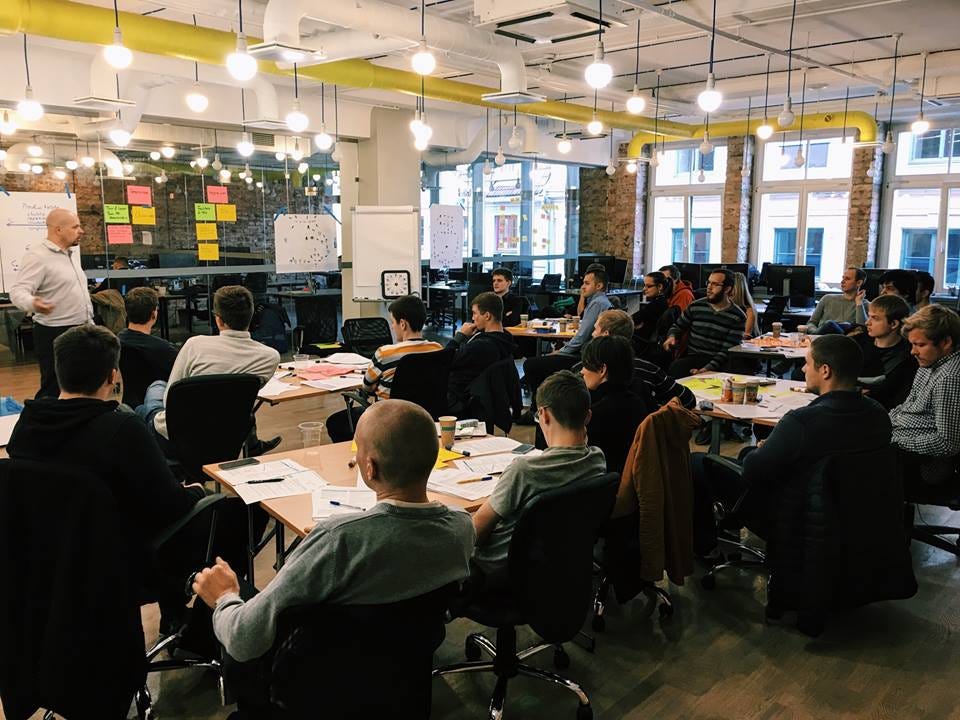
 another week, another great workshop in the Scandiweb offices in Riga Some highlights of what was covered during the workshop: How to perform Manual Testing In this scenario the tester assumes the role of the end user and verifies that all the features of the application are working correctly. The tester manually executes test cases without using any automation tools. The goal of manual testing is to ensure that application is defect & error free and is working fine to provide good quality work to customers. Preparing Test Basis and Test Specification Basis for the tests is called the Test Basis. It can be a system requirement, a technical specification, the code itself or a business process. The test basis is the information needed in order to start the test analysis and create our Test Cases. The Test Case Specification document specifies the purpose of a test, identifies the required inputs and expected results, provides procedures for executing the test, and outlines the pass/fail criteria for determining acceptance. How to write a Test Scenario
- Test scenarios must cover the negative and out-of-the-box testing with a ‘Test to Break’ attitude.
- Domain knowledge — important to get a deeper understanding of the application.
- Scenario mapping — to be done to make sure that each and every requirement is directly mapped to number of scenarios.
- Ensuring that every identified scenario is a story in itself.
- Review — a scenario is to be reviewed by the Product Manager/Business or anyone else who understands the requirements really well.
- Planning and Control
- Analysis and Design
- Reviewing the test basis
- Identifying test conditions
- Designing the tests
- Designing the test environment set-up and identifying the required infrastructure and tools
- Implementation and Execution
- Developing and prioritizing test cases by using techniques and creating test data
- Creating test suites from the test cases for efficient test execution
- Re-executing the tests that previously failed in order to confirm a fix
- Logging the outcome of the test execution
- Comparing actual results with expected results
- Evaluating Exit criteria and Reporting
- Assessing if more tests are needed or if the criteria specified should be changed
- Writing a test summary report for stakeholders
- Test Closure
- Checking which planned deliverables are actually delivered and ensuring that all reported incidents have been resolved.
- Finalizing and archiving testware such as scripts, test environments, etc. for later reuse.
- Sharing testware with the maintenance department that will give support to the software.
- Evaluating and learning from the testing process for future releases and projects.
- Identifying functions that the software is expected to perform
- Creating input data based on function’s specifications
- Determining the output based on function’s specifications
- Executing the test case
- Comparing the actual and expected outputs
- Confirm the quality of the software has met the required standards
- Verify that what was built is what was needed


Share on: