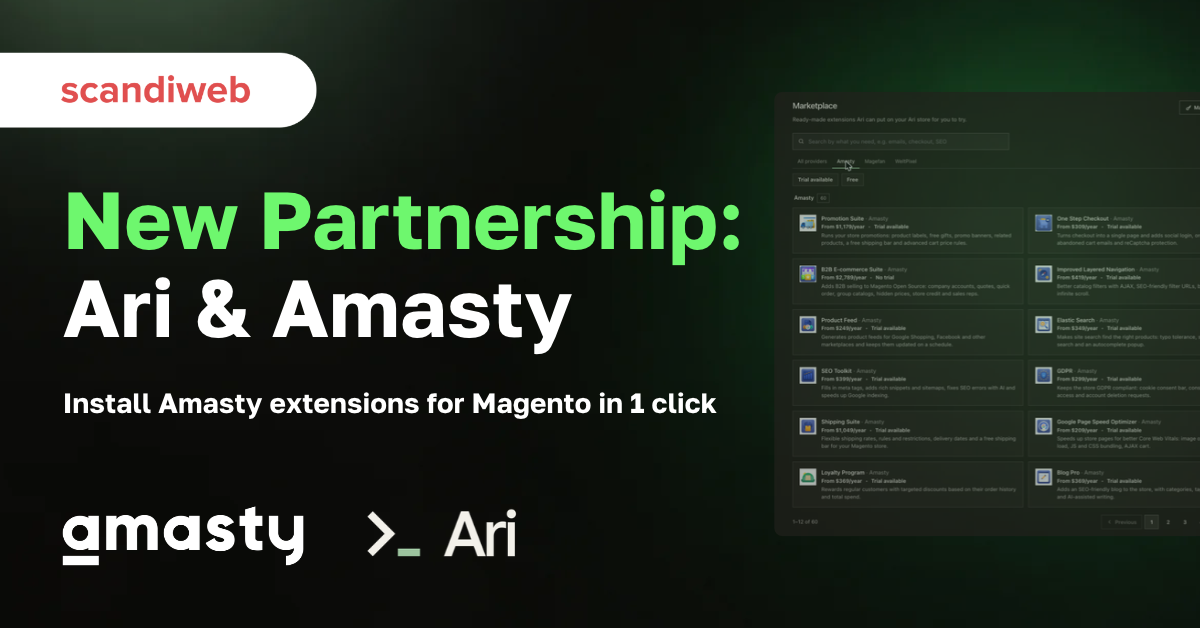

We’re excited to partner with Amasty and add 60+ of their extensions to Ari marketplace. Pick one, click once, and about 10 minutes later it is running on a copy of your store, with Ari, scandiweb’s agent for Magento, doing the setup that used to need a developer.
Also read:
Introducing: Ari Extension Marketplace for Magento
Ari Partners with Magefan: Install Magefan Extensions for Magento in Chat
Ari Partners with WeltPixel: Install Google Analytics 4 PRO in Chat
About Amasty
If you have run a Magento store for any length of time, you have probably had an Amasty module in it. They have been building them since 2009 and the catalog now runs to 300+ Magento 2 extensions, for everyone and everything from a growing B2C brand to a B2B enterprise with complex pricing. Amasty is an Adobe Technology Partner Gold and has been an official Hyvä Technology Partner since 2022, with a Hyvä-first approach, meaning every extension in the catalog works with Hyvä Theme and Hyvä Checkout.
scandiweb and Amasty have been partners since 2019. Back then the partnership meant developers installing Amasty modules for our clients. Now Ari can do it much faster and for a fraction of the cost.
Since 2009, we’ve built more than 300 extensions to make Magento stores easier to run. Ari takes that a step further: merchants can now install and set up our extensions in one click. It’s a natural next step in how extensions reach merchants.
Sergej Derzap, CEO at Amasty
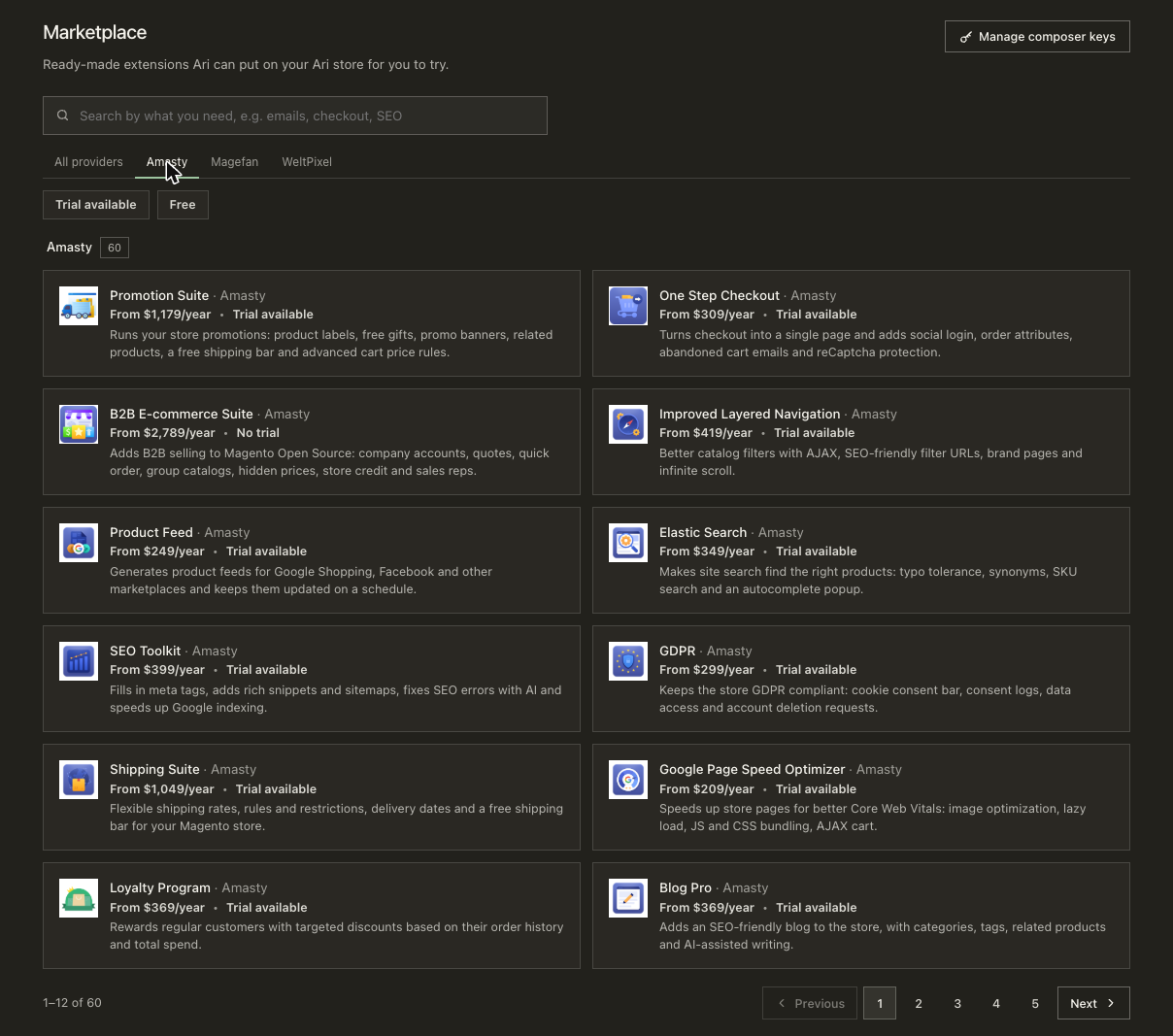
The extensions on Ari cover checkout, search and navigation, SEO, promotions, shipping, loyalty, and B2B, including:
Any extension in one click
Say your store needs brand pages. Open the Ari marketplace and pick Shop by Brand, or type “I want a page for every brand we have” into the chat and you’ll get a suggestion from Ari.
Then click Try it on your Ari store. From here, the work is Ari’s – the extension goes onto a copy of your store, gets checked against your theme and the modules you already run, and the storefront is tested in a real browser. You can follow it on a progress card, and your team can keep working in the meantime. The install takes about 10 minutes.
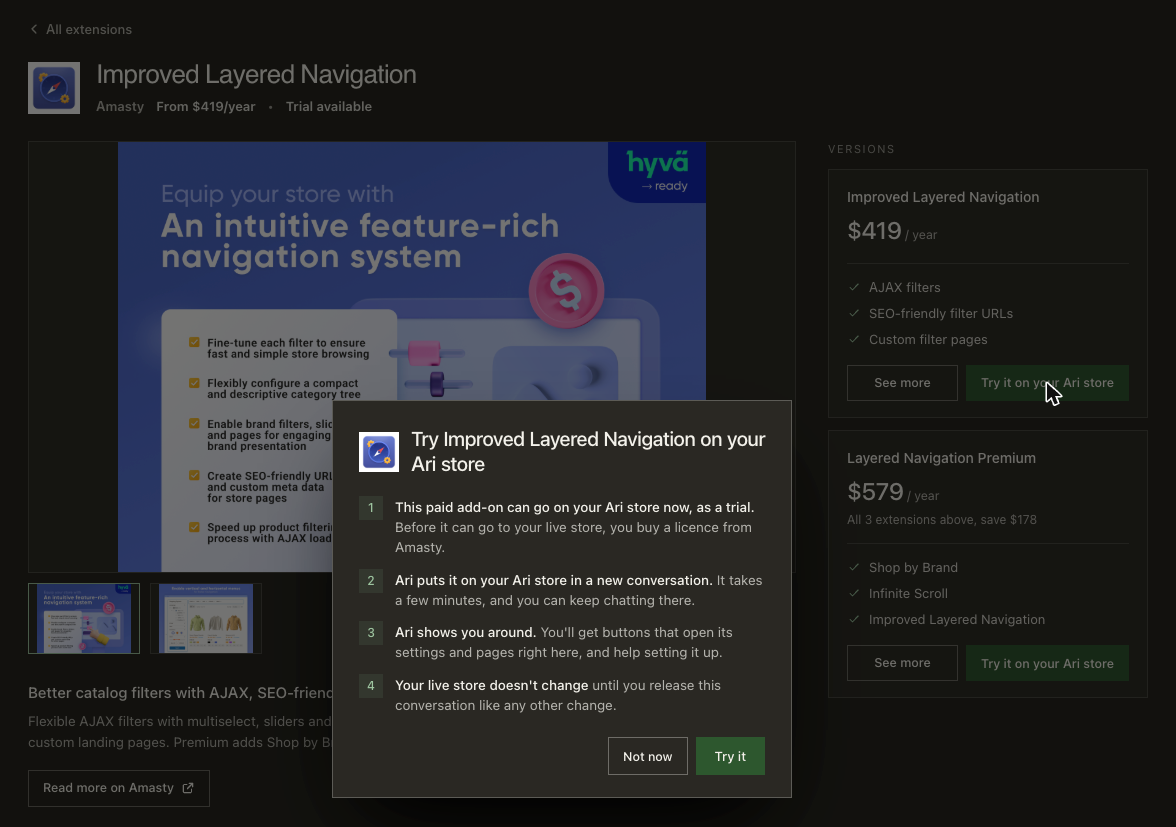
When it’s done, you’ll see the extension on your own store, with Ari explaining what it already does, which feature is worth turning on first, and offering to set it up with you. Buy the license from Amasty and release the install. The chat alo stays open after the release, so whenever you want to know what any Amasty setting does or which one fits your store, ask, and the right admin page will open next to the conversation.
Licenses and support
The license is Amasty’s. You buy it from Amasty, and Ari installs the extension with it. Support for the extension and for your license stays with Amasty as well, as it does for every Amasty customer.
However, the installation, configuration, and any fixes and tasks around the install is handled by Ari.
Can’t find the Amasty extension you want on Ari yet? Ask for it in the chat anyway. Ari works with more than 1,000 Magento extensions, custom modules included, and will put it on a copy of your store the same way.
Pick the Amasty extension you have been meaning to add, book a demo with Ari, and see it on a copy of your store before you buy the license.
Do you build Magento extensions? List them in the Ari marketplace for free, and Ari will install and configure them for merchants.






























Share on: