


Shopify + Zendesk integration for faster support and cleaner order context
Connect Shopify and Zendesk to sync customers, orders, and conversations, so agents resolve tickets faster with full purchase context in one place across Shopify Plus too.







Shopify and Zendesk integration in short
Zendesk's own Shopify integration is the standard route: install the Zendesk app from the Shopify App Store, connect each storefront in Zendesk Admin Center, and agents see the requester's Shopify orders in the ticket sidebar, with optional refunds and cancellations. Teams that need other data or actions build a private Zendesk app on the Shopify GraphQL Admin API, or use Zapier for simple ticket automations.


• Shopify customer and order identifiers are mapped to Zendesk users and tickets, keeping a stable link between commerce records and conversations.
• Ticket events can trigger lookups of Shopify order, payment, and fulfillment status, and the fetched fields are stored as ticket-side metadata for traceability.
• Customer profile fields (name, email, phone) are synced with conflict rules, with Shopify typically treated as the system of record for contact data.
• Refund, cancellation, and fulfillment-related actions are routed through Shopify APIs, while Zendesk retains the ticket audit trail and internal notes.
• Delta-based sync logic sends only changed records, with retries on transient API errors and logging for failed mappings and rate-limit responses.
• Multi-store or multi-brand setups map Shopify store context to Zendesk brands or forms, keeping routing and reporting consistent.
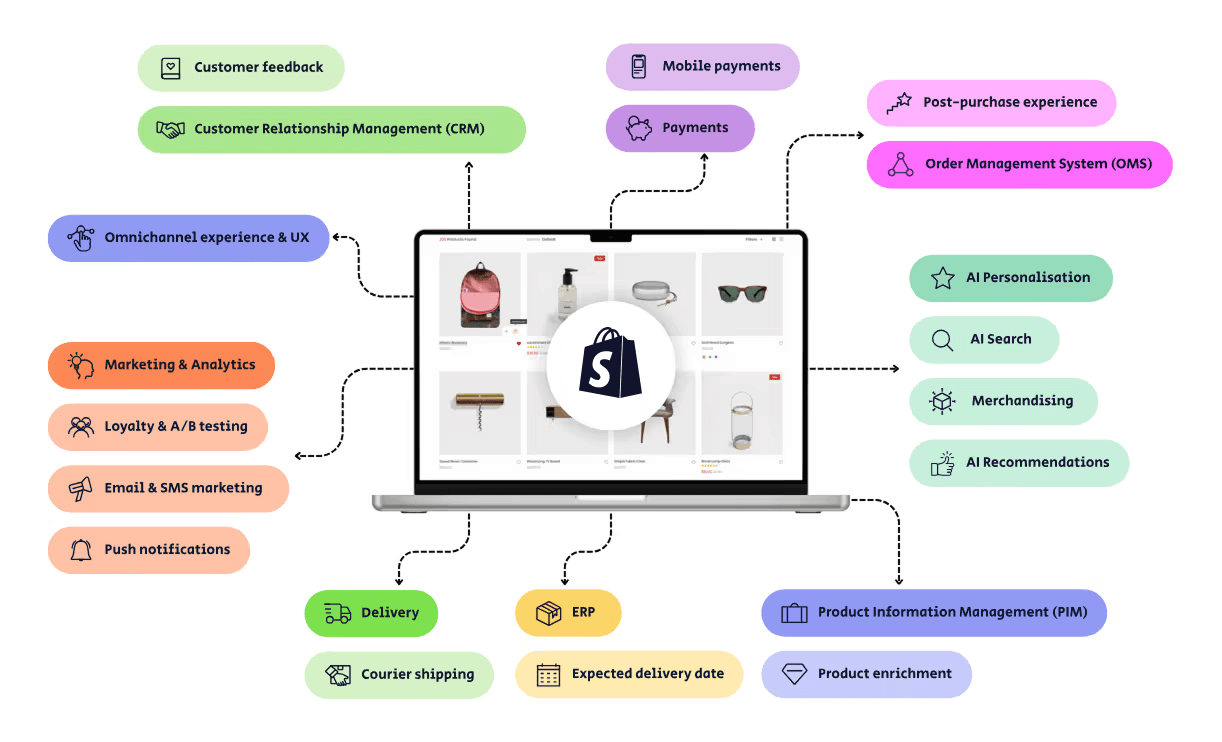
Ways to connect Shopify and Zendesk
| Option | Type | Best for | Notes |
|---|---|---|---|
| Zendesk Shopify integration | Native app | Most stores: order lookup, refunds, and cancellations inside the ticket | Matches the requester's email or phone to Shopify and shows orders with payment status, fulfillment status, tracking numbers, and line items. Supports several storefronts per Zendesk account. Needs Suite Team or above, or Support Team, Professional, or Enterprise, where Support customers also need Chat. |
| Zendesk auto assist with Shopify actions | Native app | Teams on the Copilot add-on that want suggested order lookups, cancellations, and refunds | Requires the Copilot add-on and auto assist already set up. Auto assist can suggest Shopify order lookups, cancellations, and refunds that the agent accepts in Agent Workspace. |
| Private Zendesk app on the Shopify GraphQL Admin API | Custom API | Custom fields, B2B data, or actions the native sidebar does not provide | Zendesk apps call external APIs through Zendesk's proxy with request(), and secure settings keep the Shopify token out of the browser. |
| Zapier: Shopify and Zendesk | Integration platform | Simple automations, such as opening a ticket for a fraudulent or canceled order | Shopify triggers include New Fraudulent Order, New Cancelled Order, and New Refund. Zendesk actions include Create Ticket, Update Ticket, and Add Tag(s) to Ticket. |
What syncs between Shopify and Zendesk
| Data | Direction | System of record | Timing |
|---|---|---|---|
| Customer profile | Shopify to Zendesk | Shopify | Looked up when a saved ticket is viewed, matched by email or phone |
| Orders, payments, fulfillment, and tracking | Shopify to Zendesk sidebar | Shopify | Live lookup in the ticket |
| Refunds | Zendesk to Shopify | Shopify | Agent action; adds the shopify_refunded tag |
| Cancellations | Zendesk to Shopify | Shopify | Agent action on unfulfilled orders; adds the shopify_cancelled tag |
| Shopify events (account changes, orders, checkouts) | Shopify to Zendesk customer context | Shopify | After an admin enables Shopify profiles and events |
| Storefront conversations | Shopify storefront to Zendesk (Web Widget) | Zendesk | Live |
How a Shopify Zendesk integration project runs
- Check the Zendesk plan: Suite Team or above, or Support Team, Professional, or Enterprise, where Support customers also need Chat.
- Install the Zendesk app from the Shopify App Store, choose the storefront, and enter your Zendesk subdomain.
- Name the connection in Zendesk Admin Center, then add each further storefront with New connection and check that each one has its own sidebar app.
- Turn on Refunds and cancellations in the storefront's Sidebar app settings if agents should act from the ticket.
- Enable the Web Widget through App embeds in the Shopify theme editor, and paste the widget code by hand for brands other than the default.
- Build views and reports on the shopify_refunded and shopify_cancelled tags, and teach agents to save new tickets before looking for Shopify data.
Common problems and how to avoid them
New tickets show no Shopify data
The integration matches the requester's email address or phone number to Shopify only once the ticket is saved, so a new, unsaved ticket shows nothing. A requester writing from a different email than the one on their order will only match if the phone number does.
Only unfulfilled orders can be canceled
Agents can refund fulfilled, partially fulfilled, and unfulfilled orders, but only unfulfilled orders can be canceled from the ticket. Plan a separate path for shipped orders that need to be stopped.
Leftover order ID fields appear on ticket forms
Setup adds one or more Shopify order ID custom ticket fields that belong to a legacy integration. Zendesk says they can be ignored, so hide them from agent forms before anyone starts filling them in.
The Web Widget covers only the default brand
Only the default brand's Web Widget can be added through the integration. Multi-brand Zendesk accounts have to insert each other brand's widget code into the Shopify theme manually.
Custom ticket writes hit a per-ticket limit
If a custom sync writes Shopify updates to tickets, Update Ticket allows 30 updates per 10 minutes per user per ticket, plus 100 requests per minute per account, or 300 with the High Volume API add-on. Batch order events instead of writing on every Shopify change.
Zendesk Chat is being retired
Zendesk says Chat is being retired and the Zendesk Chat for Shopify app is no longer in the Shopify App Store. On new setups, use messaging through the Web Widget, which the integration enables by default.
Why choose scandiweb to handle Shopify integration for you?
How do you connect Shopify to Zendesk to show orders and customer profiles inside tickets?
We set up Shopify–Zendesk data sync so agents can view key order, customer, and fulfillment details directly in Zendesk, with the right field mapping and permissions.
What Shopify order data can Zendesk agents see with a Shopify Zendesk integration?
Typical fields include order status, line items, shipping address, tracking, payment status, refunds, and notes, depending on your Zendesk setup and Shopify apps.
Does the Shopify Zendesk integration support Shopify Plus, multiple stores, and international storefronts?
Yes, we can support Shopify Plus and multi-store operations by separating brands, views, and access rules, so each team sees the right store context.
Can a Shopify Zendesk integration trigger refunds, cancellations, or fulfillment updates from Zendesk?
It can, but only when you design for it; we can enable controlled actions via Shopify Admin APIs or workflows, with audit logs and approval steps where needed.
How do you keep Shopify and Zendesk customer data consistent and avoid duplicate profiles?
We define a matching strategy using email, phone, and customer IDs, then set sync rules for updates, merges, and edge cases like guest checkout.
Which Zendesk plans include the Shopify integration?
Suite Team, Growth, Professional, Enterprise, and Enterprise Plus, or Support Team, Professional, and Enterprise. Support customers also need Chat to use it.
How much does the Zendesk app for Shopify cost?
The Shopify App Store listing prices it by Zendesk plan, starting at $55 per agent per month billed annually for Suite Team, with a 14-day free trial.
How do I report on refunds made from Zendesk?
Completed refunds add the shopify_refunded tag to the ticket and cancellations add shopify_cancelled, so build views and reports on those tags.
Can Zendesk AI cancel or refund Shopify orders?
With the Copilot add-on, auto assist in Agent Workspace can suggest Shopify order lookups, cancellations, and refunds, and the agent accepts the suggestion before it runs.
What are the Zendesk API rate limits for a custom Shopify sync?
The Support API allows 200 requests per minute on Team, 400 on Growth and Professional, 700 on Enterprise, and 2,500 on Enterprise Plus or with the High Volume API add-on. Over the limit, Zendesk returns 429 with a Retry-After header.
Why does the Shopify sidebar show no orders for a customer?
Usually the ticket is not saved yet, or the requester's email and phone do not match the Shopify order or account. Save the ticket, then check the requester's contact details.
Sources
- Zendesk help: Using the Shopify integration in Support and Chat
- Zendesk help: Setting up the Shopify integration for Support and Chat
- Zendesk help: Canceling and refunding Shopify orders with auto assist
- Shopify App Store: Zendesk
- Zendesk developer docs: Rate limits
- Zendesk developer docs: Making API requests from a Zendesk app
- Zapier: Shopify and Zendesk integrations
Last updated by the scandiweb integration team.




Zendesk integration on other platforms
More Shopify integrations
1. Submit your integration request
2. Join a free strategy & discovery call
We’ll review your business systems, identify key challenges, and uncover actionable opportunities.
3. Get a tailored proposal
Trusted by 700+ leading brands worldwide





