


Shopify and Sage ERP integration for accurate inventory and financial sync
Connect Shopify or Shopify Plus with Sage ERP (Sage 100, Sage X3) to sync orders, customers, products, inventory, taxes, and accounting data, so your numbers match across systems.







Shopify and Sage integration in short
Shopify connects to Sage through apps that match your Sage product, or a custom app. CertiPro's E-Link connects Sage X3 with Shopify and Shopify Plus, Sagify posts Shopify orders into Sage 50 US as invoices or sales orders, and Commercient's free Sage Fields app syncs custom fields for Sage 50, 100, 200, 300, Intacct, and X3. Custom builds pair the Shopify GraphQL Admin API with Sage interfaces such as Sage 100 eBusiness Web Services. Orders and customers usually flow to Sage, and items, stock, prices, and fulfillment updates flow back.
Orders that look fine in Shopify can still turn into extra work once they hit finance – missing tax codes, mismatched customer records, partial shipments, and refunds that never line up. The result is manual fixes, slow fulfillment handoffs, and month-end that feels longer than it should.
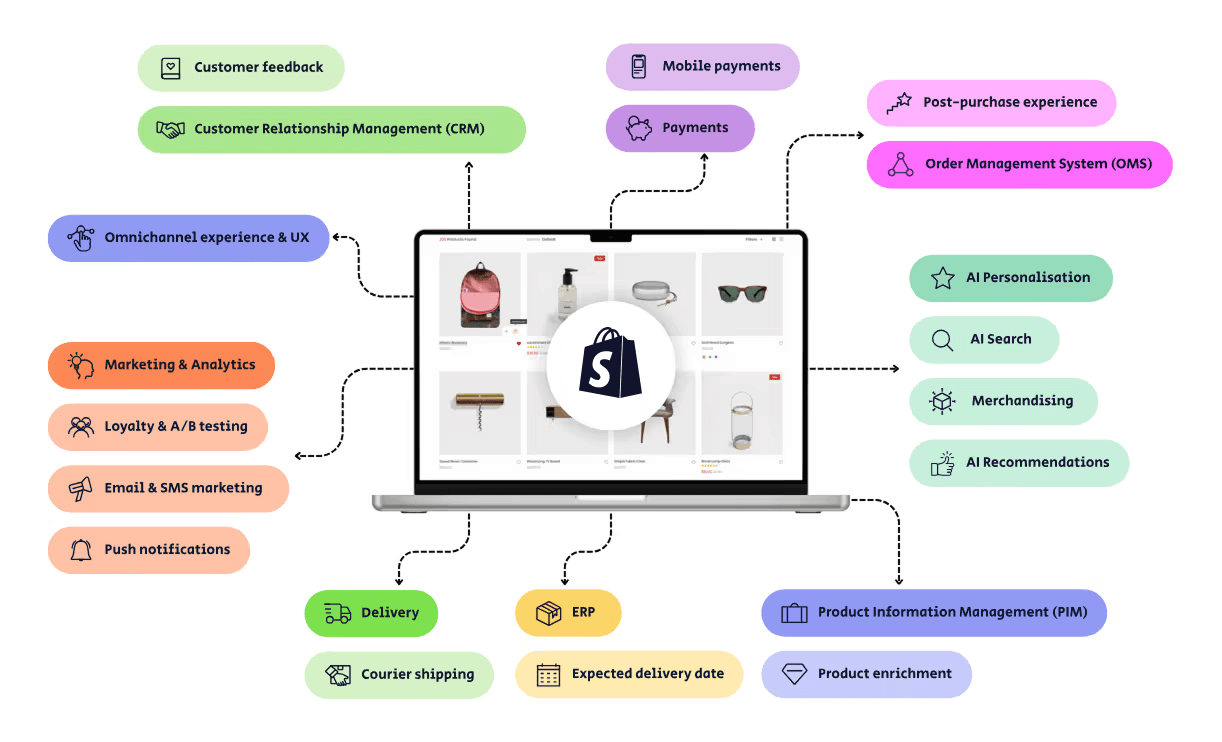
The Shopify – Sage ERP integration connects storefront activity with your back office so sales, customers, payments, and fulfillment updates move between systems in a controlled flow. It gives Sage ERP (Sage 100, Sage X3) cleaner, more consistent transaction data, while Shopify stays the source of truth for the customer-facing order lifecycle.
This setup fits if Shopify drives your sales, but Sage ERP is where your team needs accurate accounting and inventory control.


• Shopify orders are exported to Sage ERP as sales orders or invoices, with line items, discounts, shipping, and tax amounts mapped to Sage-specific fields.
• Customer records are matched by email or external ID, with create-or-update logic routing new customers into Sage ERP when no match is found.
• SKU, variant, and UoM mappings translate Shopify product identifiers to Sage ERP item codes, including location or warehouse references when used.
• Payment method and gateway details are mapped to Sage ERP tender, terms, or clearing accounts, supporting accurate posting and reconciliation.
• Refunds and cancellations are synchronized as credit memos or adjustments, with reason codes and amounts validated against the original order totals.
• Fulfillment events and tracking numbers are synced from Sage ERP to Shopify, and shipment status updates are logged with timestamps for traceability.
• Delta-based syncs send only changed records, with error handling that retries transient failures and logs rejected payloads for review.
Ways to connect Shopify and Sage
| Option | Type | Best for | Notes |
|---|---|---|---|
| E-Link Sage X3 eCommerce Integration by CertiPro Solutions | Connector | Sage X3 companies on Shopify or Shopify Plus | Listed on the Sage Marketplace for Sage X3 with Shopify, Shopify Plus, Magento Adobe Commerce, and WooCommerce. Real-time two-way sync covers products, pricing, inventory, and orders; web orders flow into Sage X3, and order history and customer information flow to the store, with customer-specific pricing. No price is listed. |
| Sagify (Shopify to Sage 50) | Connector | Sage 50 US companies that want Shopify orders posted without re-keying | Posts Shopify orders as Sage 50 sales invoices or sales orders, with PO numbers, net terms, and ship-by dates on sales orders. Matches Shopify customers to existing Sage customers and creates new ones when there is no match, or posts all orders under one Sage customer, and creates new Shopify products in Sage. |
| Sage Fields by Commercient | Connector | Merchants who need Sage-specific fields such as AR customer code or warehouse code in Shopify | Free Shopify app from Commercient, launched October 23, 2024, with no reviews yet. Supports Sage 50, 100, 200, 300, Intacct, and X3 and syncs custom customer, product, and order fields one way or both ways. It handles custom fields; check what syncs your core orders and stock. |
| Custom app on the Shopify GraphQL Admin API and Sage interfaces | Custom API | Sage X3 or Sage 100 setups with order types, pricing, or warehouse rules that apps do not cover | New Shopify public apps must use the GraphQL Admin API from April 1, 2025, as the REST Admin API became legacy on October 1, 2024. On the Sage side, Sage 100 eBusiness Web Services expose sales orders, customers, and contacts over SOAP, and Sage X3 exposes published programs as SOAP web services. |
What syncs between Shopify and Sage
| Data | Direction | System of record | Timing |
|---|---|---|---|
| Orders | Shopify to Sage | Shopify at checkout, Sage once the invoice or sales order is posted | Webhook or scheduled, plus a reconciliation job |
| Customers | Shopify to Sage, and Sage to Shopify for B2B accounts | Sage for account codes, terms, and credit | With each order, or scheduled |
| Products and items | Sage to Shopify, or Shopify to Sage for new products in some apps | Agreed per field; Sage for item codes and units | Scheduled |
| Prices | Sage to Shopify | Sage | Scheduled |
| Inventory | Sage to Shopify | Sage by warehouse, mapped to Shopify locations | Scheduled or real time |
| Fulfillments and tracking | Sage to Shopify, or Shopify to Sage when Shopify fulfills | Whichever system ships the order | On shipment |
How a Shopify Sage integration project runs
- Confirm which Sage product, edition, and region you run, because Sage X3, Sage 100, Sage 300, Sage 200, Sage 50, and Sage Intacct use different interfaces and apps.
- Check whether Sage is your ERP or only your accounting system, and which system ships orders and owns stock.
- Decide how Shopify orders post in Sage: as invoices for orders paid at checkout or as sales orders for net terms, and under each customer or one shared web customer.
- Pick the app or custom route and confirm it supports your Sage version and Shopify plan.
- Map variants to Sage item codes and units, locations to warehouses, and tax, shipping, discount, and payment lines to Sage accounts.
- Test real cases against a Sage test company: refunds, partial fulfillment, discount codes, and B2B orders on terms, then go live with alerts on failed postings.
Common problems and how to avoid them
Webhooks alone will miss orders
Shopify states that webhook delivery isn't always guaranteed and that events can arrive out of order. Drop duplicates by X-Shopify-Webhook-Id and run reconciliation jobs that fetch orders updated since the last run, so nothing is left out of Sage.
Invoice or sales order is a finance decision
Sagify can post Shopify orders to Sage 50 as sales invoices, which suit orders paid at checkout, or as sales orders, which suit net terms. Pick this with finance before go-live, because it changes how receivables and stock are handled in Sage.
A Sage customer per order clutters the ledger
Apps such as Sagify can match Shopify customers to existing Sage customers, create a new one for each order, or post everything under one Sage customer. Agree the rule with finance, especially for guest checkouts and B2B buyers who order under several emails.
Sage units of measure need their own SKUs
On a Sage X3 integration we support for a distributor, invoice lines come back with the item reference and the sales unit as separate fields, so web SKUs are built as item plus unit. Without that, the same item sold in two units, such as a case and a single piece, cannot be matched to the right invoice line.
Invoiced orders are locked in Sage
On the same Sage X3 project, a sales order can no longer be updated once Sage has invoiced it. Status sync marks the web order complete when Sage shows it fully invoiced, aligns paid and due amounts, and cancels any uninvoiced remainder.
Sage may only be the ledger
On a project for a wholesaler, another system was the master for invoices, credits, and payments and exported them to Sage, which issued customer statements. The storefront needed no direct Sage connection, so confirm which system owns orders before you pick a Sage app.
Why choose scandiweb to handle Shopify integration for you?
How do I integrate Shopify with Sage ERP (Sage 100, Sage X3) for real-time inventory sync?
We map SKUs, locations, and stock rules, then sync inventory updates via API or scheduled jobs depending on your Sage ERP setup. The goal is consistent available-to-sell across Shopify and Sage ERP without manual adjustments.
Can Shopify send orders, refunds, and payment details into Sage ERP for accounting?
Yes – orders, taxes, shipping, discounts, captures, refunds, and payout references can be transformed into Sage ERP-ready transactions. We also handle edge cases like partial refunds and split shipments so finance can reconcile faster.
What customer and product data should sync between Shopify and Sage ERP to avoid duplicates?
Typically, Shopify is the system of record for customer-facing data, while Sage ERP owns accounting identifiers and customer terms. We set matching logic for emails, customer IDs, and item codes to prevent duplicate accounts and products.
Does Shopify Plus support multi-store and multi-currency integration with Sage ERP?
It can – we design the integration around Shopify Markets, multiple stores, and Sage ERP company or warehouse structure. Currency, tax, and localized pricing rules are defined upfront to keep reporting clean.
Who builds and supports Shopify and Sage ERP integrations for enterprise scale?
scandiweb has delivered 2,100+ eCommerce projects since 2003 and is a Shopify Plus Partner, so we can build the integration, QA it, and support it after go-live. We also document mappings and failure handling so your team is not stuck guessing when something breaks.
Which Sage products have Shopify apps?
CertiPro's E-Link covers Sage X3, Sagify covers Sage 50 US, and Commercient's Sage Fields app supports custom fields for Sage 50, 100, 200, 300, Intacct, and X3. Check the app's supported Sage product and region before installing.
Should Shopify orders post to Sage 50 as invoices or sales orders?
Invoices suit orders paid at checkout, and sales orders suit customers on net terms. Sagify lets you choose either, or only invoices.
Can Shopify Plus B2B buyers see Sage X3 prices?
CertiPro's E-Link lists customer-specific pricing and real-time inventory in business partner portals for Sage X3. Ask the vendor how that maps to B2B on Shopify before you commit.
Which Shopify API should a custom Sage integration use?
The GraphQL Admin API. Shopify made the REST Admin API legacy on October 1, 2024, and new public apps must use GraphQL from April 1, 2025.
Does Sage 100 need anything installed for a Shopify integration?
If the integration uses Sage 100 eBusiness Web Services, Sage recommends a dedicated user with Enable Web Services turned on and SSL on every connection. Connector apps may install their own components, so ask the vendor.
Sources
- Sage Marketplace: E-Link Sage X3 eCommerce Integration
- Sage Marketplace: Sagify, Shopify to Sage 50
- Shopify App Store: Sage Fields by Commercient
- Shopify dev docs: REST Admin API (legacy notice)
- Shopify dev docs: Webhooks
- Sage 100 eBusiness Web Services guide: APIs
- Sage 100 eBusiness Web Services guide: Administration
- Sage X3 online help: SOAP web services
Last updated by the scandiweb integration team.







Sage integration on other platforms
More Shopify integrations
1. Submit your integration request
2. Join a free strategy & discovery call
We’ll review your business systems, identify key challenges, and uncover actionable opportunities.
3. Get a tailored proposal
Trusted by 700+ leading brands worldwide





